
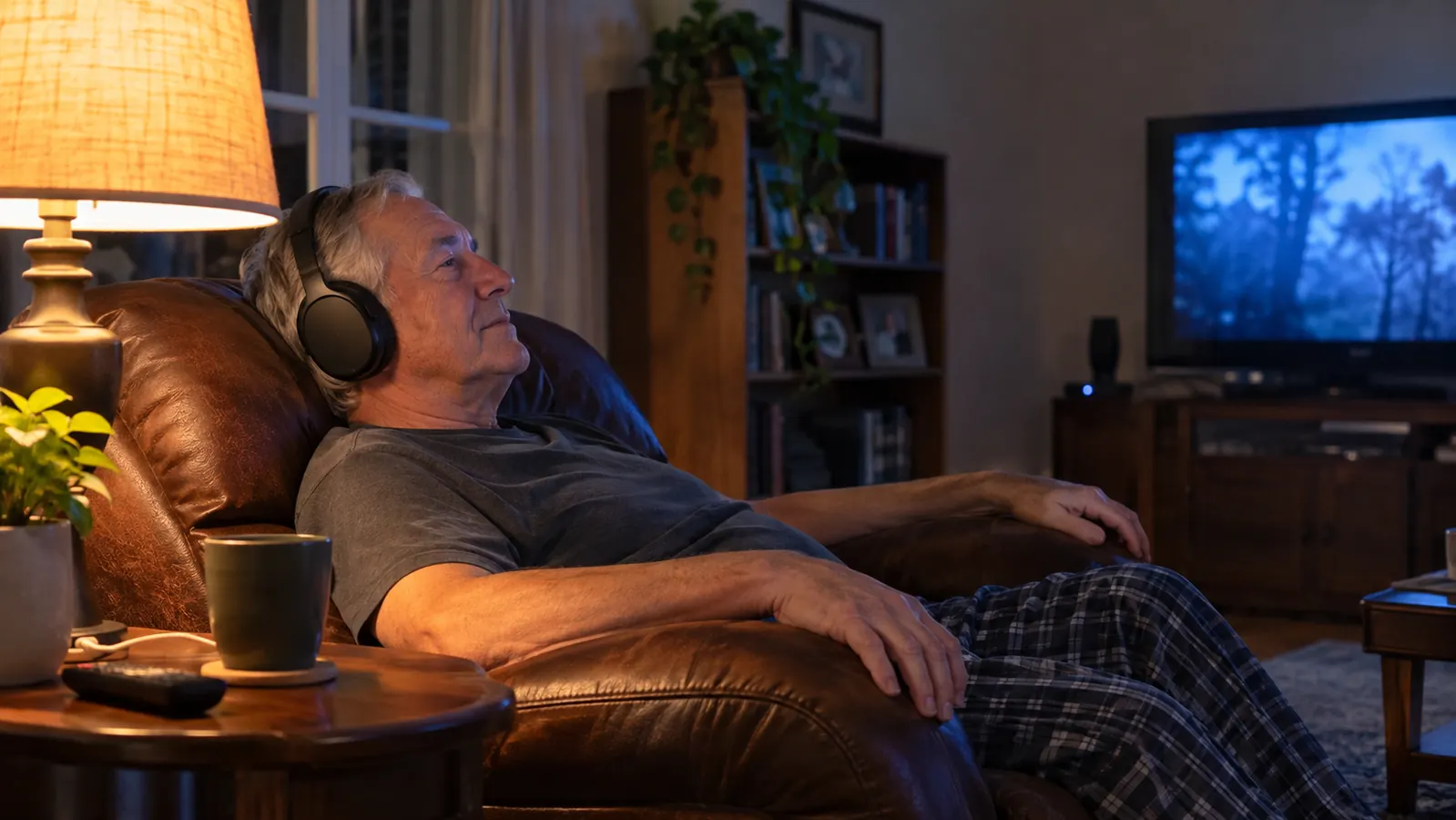
The television in our living room sits about eleven feet from my recliner. For the first few years of my retirement that distance was fine. Then it wasn't. Carol goes to bed around ten and I stay up for the late ballgame, and somewhere around the seventh inning I would lean forward and nudge the volume up two clicks, then two more. By the ninth she would be standing in the hallway in her robe asking me to turn it down. I would turn it down. Five minutes later I would lean forward again, because I could not hear the color man over the crowd.
That back and forth went on longer than it should have. I tried sitting closer, which put my knees against the coffee table. I tried riding the remote during the quiet parts and backing off during the loud ones, which is a young man's game. What finally worked was taking the sound off the television speaker altogether and putting it in my ears. I have been running the Avantree Ensemble since the spring, and Carol sleeps through the ninth inning now. What follows is the setup in the order I would do it if I were starting over tonight, including the one step that cost me two evenings because nobody mentioned it.
Before Anything Else, Find Out Whether Your TV Can Feed These
This whole setup runs on one of two jacks on the back of your set. If neither one is there, no amount of patience will make it work. The Avantree Ensemble lists that requirement in plain print, which saved me a return.
Amazon Check Today's Price on Amazon →Step 1: Check the Back of Your TV for an Optical or 3.5mm AUX Port
Get a flashlight and look at the jack panel. You are hunting for one of two things. The first is a small square port, roughly the size of a pencil eraser, with a tiny shutter inside and the words Optical or Digital Audio Out printed nearby. The second is a plain round hole, the same size as the headphone jack on an old transistor radio, labeled Audio Out, AUX, or Headphone. Either one carries the sound out to the headphones. Avantree builds the Ensemble to connect through those two and says so in the listing, which is more than most brands bother to do.
If your set has neither, stop right there. You can burn an evening with adapters and get nowhere, and I say that as a man who once rewired an entire basement rather than go buy the right part. A television with only HDMI outputs is a different job and this system is not the answer for it. Write the model number down, or take a photo of the jack panel with your phone and ask somebody at the store who knows.
Mine had both, and I used the optical. The round jack on my set is on the side panel where a cable would hang in front of the screen, and optical carries the sound with none of the faint hum I have heard out of cheap aux cords over the years. Either connection works. Pick the one that leaves your cables out of the way.
Step 2: Connect the Transmitter, Then Park the Dock Where Your Hands Already Go
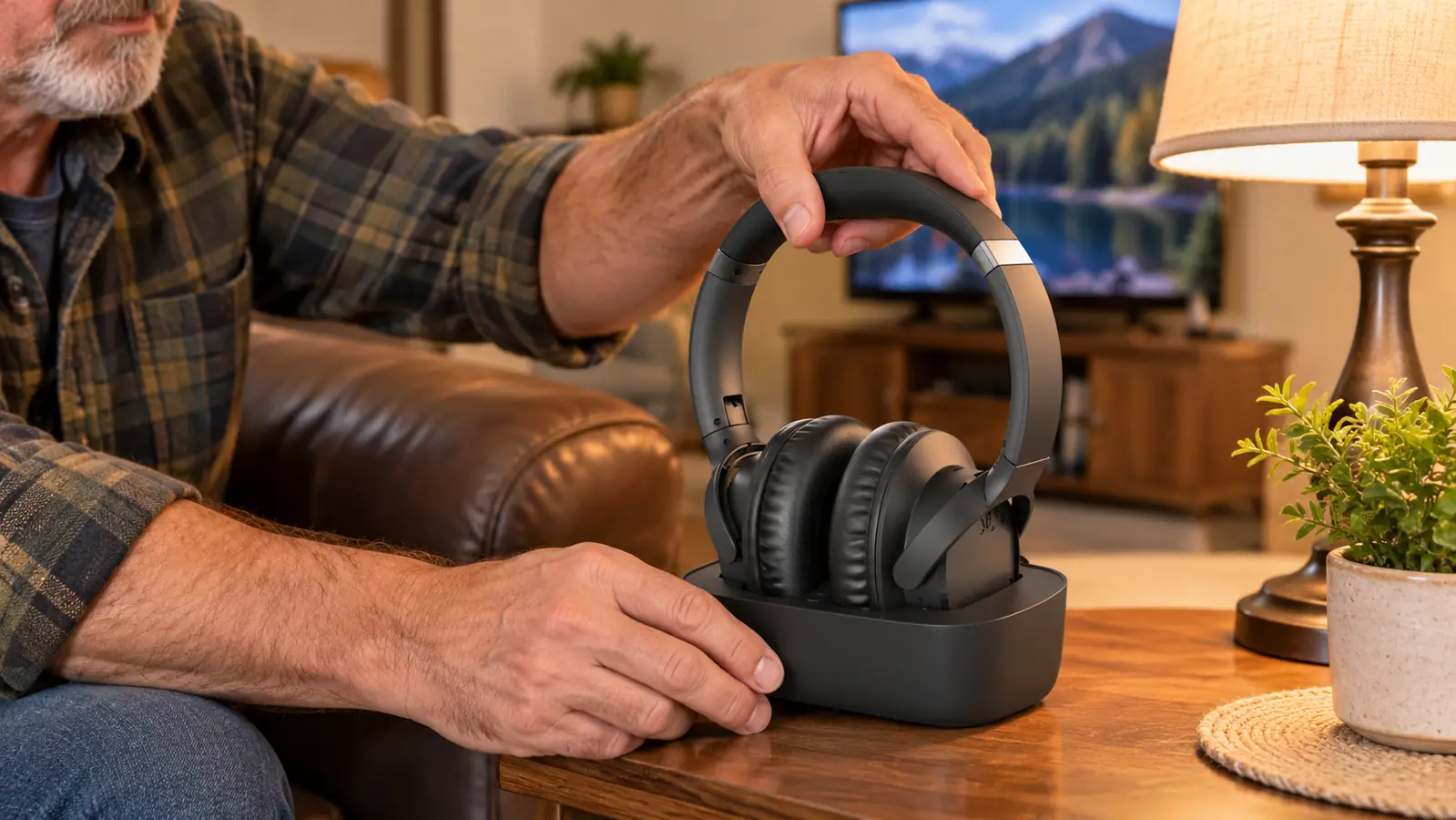
Everything you need comes in the box: the headphones, a transmitter that doubles as a charging dock, an optical cable, and a 3.5mm aux cable. The transmitter lives at the television. Run the optical or the aux cable from the TV into it, give it power, and it picks the sound up from there and sends it to the headphones without a wire running across the room. That is the whole physical install. Mine took about as long as making a pot of coffee. The only wrinkle was the cable. The optical run in the box is short, and my set sits on a stand with the back panel close to the wall. I pulled the television out about six inches, plugged the cable in first, and slid it back. Do it in that order. I did it the other way around first and had to fish the cable back out, because it will not bend sharp enough behind the stand.
Where you put the dock matters more than you would think. Mine sits on the end table to the left of the recliner, right where my hand goes when I reach for my coffee cup. I stand up, I drop the headphones on it, I walk to bed. When I first had them on a shelf across the room, the headphones spent three nights on the arm of the chair instead, and one of those nights I sat down with a dead set and had to finish the game on the TV speaker at volume four, which is to say I did not finish the game. Put the dock within arm's reach of where you sit and the habit builds itself.
The headphones are over-ear and weigh about 234 grams, which is heavier than earbuds and lighter than it sounds. I wear them through a doubleheader without thinking about them, and the padding sits around the ear rather than pressing on it.
Step 3: Fix the TV Audio Setting, Which Is the Step That Costs People an Evening
First night, I did the hookup, sat down, put the headphones on, and got nothing but a hiss. I checked the cables twice and had a few unkind words for the fine people of the electronics industry. The problem was not the headphones. It was a setting inside the television that nobody tells you about, and it is the single most common reason a person boxes this kind of thing back up and ships it home.
Go into your television's own menu and find the sound section, sometimes called Sound, sometimes Audio, sometimes Digital Audio Out. Inside that menu there are usually a couple of choices for how the digital sound leaves the set, and one of them works with this transmitter while the other gives you hiss or silence. Mine offered two and I picked the wrong one first. Picture came on, headphones powered up, and I got that same steady hiss, like a radio tuned between stations. I went back in, took the other choice, and the sound came through clean. Avantree prints that instruction on the setup sheet and in the listing bullets, and I did not read either one until the second night. Read it first. It will save you an evening.
While you are in that menu, decide what happens to the television's own speakers. Most sets will let you turn them off or leave them on low. I leave mine on low for the evening news when Carol is watching with me, and I switch over to the headphones when she heads down the hall. Two different listening jobs, two different settings, and neither one bothers the other.
Step 4: Set Your Own Volume and Stop Negotiating Over the Remote
The controls are touch, set into the side of the earcup. There is nothing to find in the dark once you know where the spot is, and you are not hunting for a little wheel with cold fingers at eleven at night. I run mine at about half. That is the number where a ballgame's crowd noise sits behind the announcer instead of on top of him, and where I can hear the crack of the bat without my ears ringing when the inning ends. There was a Cardinals game in June that made the point for me. The crowd got loud in the eighth and the announcer's voice went under it, like a man trying to talk at a party. At half volume I could still follow the count and the pitch. On the TV speaker at the level Carol will tolerate, that half inning was crowd noise and nothing else.
The earcups are over-ear with passive noise cancellation, and I want to be straight about that phrase because it gets used loosely. Passive means the padding seals around your ear and shuts out some of the room. It is not the electronic kind that hums at you. What it does for me is simple: the furnace kicks on in the hallway, the refrigerator runs, and I do not hear either one.
Here is the part that ended the argument at our house. My volume and the television speaker's volume are two separate things now. Carol can have the set at whatever level she likes while she is up, and when she goes to bed I put the headphones on and the speaker goes where she wants it. Nobody is leaning forward. Nobody is standing in the hallway in a robe. The remote sits on the arm of the chair where it belongs.
Carol has not come down the hall once since spring to ask me to turn it down. Not once. The volume argument is simply over.
Step 5: Make Charging a Habit, Not a Chore
A wireless headphone that is not charged is a paperweight, and the difference between the two is where the dock lives. The dock is the charging routine. There is no separate cable to plug in and no little flap to open. The headphones sit on it or they do not, and after a few weeks your hand does it without your brain being involved.
The warranty runs twelve months and stretches to twenty-four if you register the product. I filled out the card the first week, which is the only piece of mail order paperwork I have completed since I retired. It took five minutes and it is the difference between one year of coverage and two.
If I were setting this up at a neighbor's house tonight, I would do the dock placement first and the cable routing second. Most people do it the other way around, because the television is the interesting part. The television is not the part you touch every night. The chair is.
What Else Helps
The headphones make the television easier to hear. They do not repair anybody's hearing, and I want to be plain about that because I am an electrician, not a doctor. I have mild to moderate high frequency hearing loss in both ears, worse on the left, from thirty-eight years around job site noise, and I was diagnosed at sixty-six. If you are turning the set up past where the person next to you is comfortable, that is your cue to get a hearing test. The headphones are a tool that works alongside whatever the audiologist tells you, not a substitute for walking in the door.
Two small things are worth adding. Turn on closed captioning as a backup for the shows where the dialogue gets buried under music, because no headphone on earth fixes a sound mix that was built badly. And tell the person you live with what you are doing. Carol spent a year thinking I was ignoring her when I was really just not hearing her, and half the tension in that hallway went away once the two of us understood what the actual problem was.
One more piece of plain talk before you spend anything. These are a television tool. I have not tried to run a phone call or a tablet through them, because that is not the job I bought them for and I would rather tell you what I know than guess at what I do not. What I know is this: from a recliner eleven feet from a 55 inch set, the late game is clear again and the rest of the house is quiet. That was the whole goal. It took one evening of setup and two evenings of me not reading the instructions.
One Jack, One Dock, and the Late Game Is Yours Again
Optical or 3.5mm aux on the television, transmitter at the set, dock within arm's reach of the chair. That is the entire install. The Avantree Ensemble carries more than fifteen thousand ratings on the listing, and the setup sheet is short enough to read before the first pitch.
Amazon See Today's Price on Amazon →